Configuring Arrays
Use the Configuration Options dialog to modify the array statistics and data presented in the Array View. In this dialog, you can:
-
Cast an array to a different type.
-
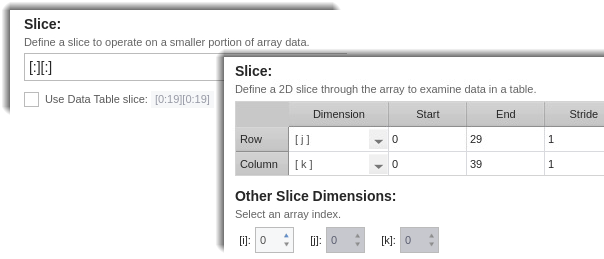
Isolate and view a smaller portion of data by either slicing the array or adding a stride.
-
Specify an array filter (Statistics view only).
In this section:
To open this dialog, click  on the Array View toolbar.
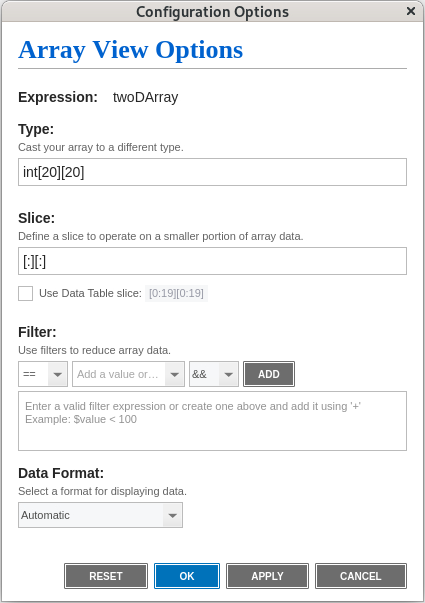
When you make changes in the Configuration Options dialog, you can click Apply to immediately view your changes in the Array View without closing the dialog. Click Reset to undo your changes. Click OK to apply your changes and close the dialog.