The Fortran Modules View
The Fortan Modules view displays the global list of available Fortran modules in your Fortran program. You can use this view to add a Fortran module or any of its members to the Data View so that you can further examine or modify them.
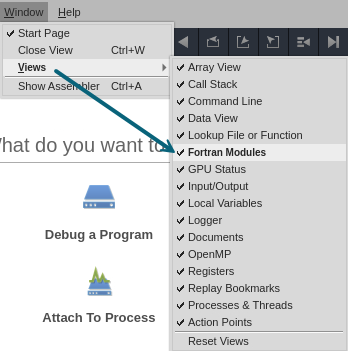
This view is closed by default. To open it, select Window > Views > Fortran Modules.
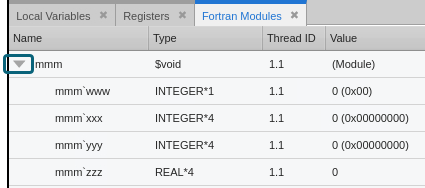
When opened for the first time, the Fortran Modules view is displayed in the same view pane as the Local Variables and Registers views. TotalView populates the Fortran Modules view with the list of available Fortran modules in your program after your program has launched. If no program is loaded, or a program is loaded but not started, the view displays a message indicating this. After the view is populated, click  to expand a Fortran module and view its members. Click
  to collapse the Fortran module details.
Customizing the View
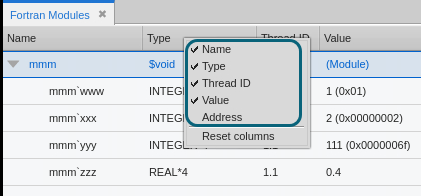
By default, the Name, Type, Thread ID, and Value columns are displayed in the view.
You can customize the columns displayed in the view by right-clicking anywhere on the column header and selecting the column names that you want to display or hide.