Add Fortran Data to the Data View
TotalView populates the Fortran Modules view with the list of available Fortran modules in your program after you start your program.
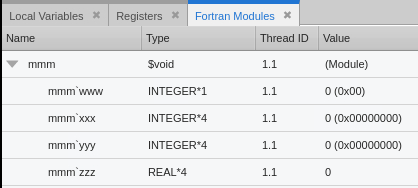
You can then investigate and modify the module data by adding the module or any of its members to the Data View.
On this page:
Add a Fortran Module or Module Member to the Data View
You can add a Fortran module or any of its members to the Data View from the Fortran Modules view by taking one of the following actions:
-
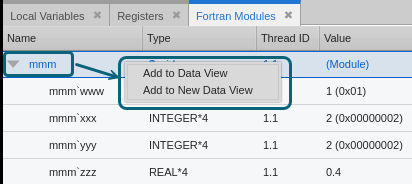
Right-click a Fortran module or module member in the Fortran Modules view and click Add to Data View or Add to New Data View.
-
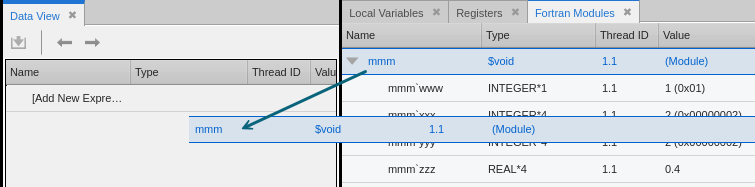
Click the Fortran module or module member in the Fortran Modules view and drag it to the Data View.
Local Variables view: Right-click the Fortran module or module member and click Add to Data View or Add to New Data View, or click and drag the module or module member to the Data View.
Source view: Right-click the module name in the code and click Add to Data View or Add to New Data View.
Data View: Double-click [Add New Expression] and enter the module name.
View Data Changes as the Program Progresses
As you step through the code or run to the next breakpoint, the focus changes, and the data in the Data View and Fortran Modules view is updated automatically.
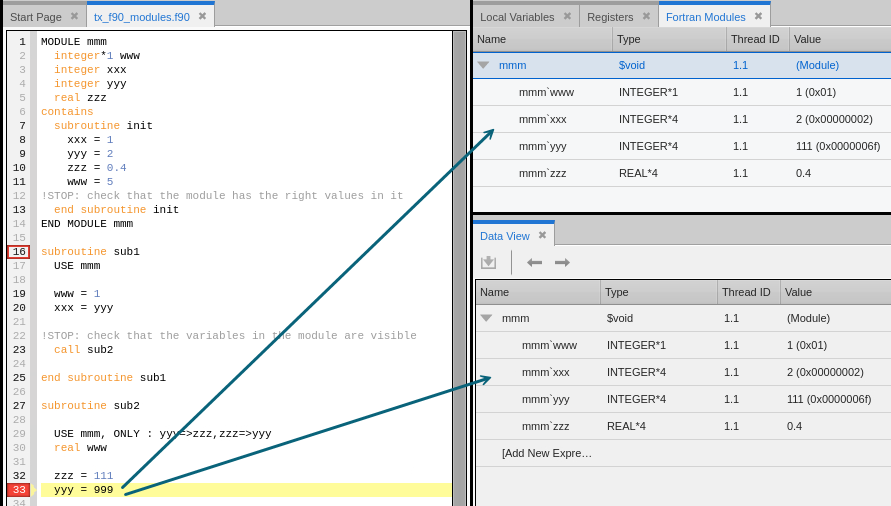
Figure 56 shows the Fortran module expression data when the program stops on a breakpoint at line 16. Figure 57 shows the data after the program continues and then stops on a breakpoint at line 33.
Figure 56. Fortran module data at breakpoint 16
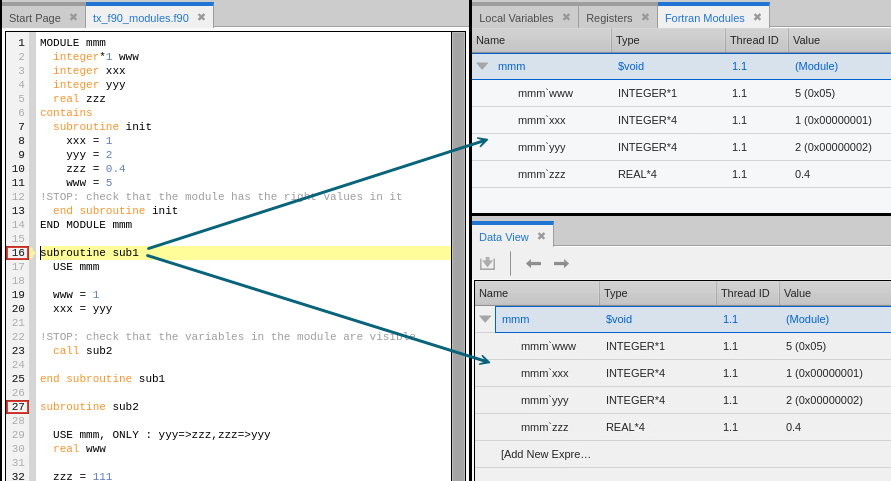
Figure 57. Fortran module data at breakpoint 33
Remove a Fortran Module Expression from the Data View
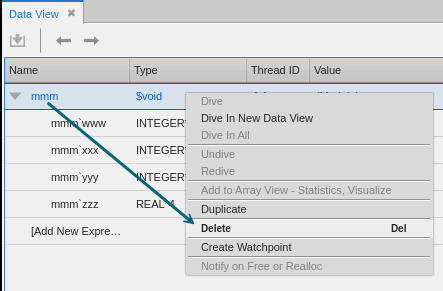
To remove a Fortran module expression from the Data View, right-click the expression and click Delete.