Edit a previous session
Use the Session Editor to edit a saved session before you load it.
-
Open the session window for the session type you want to edit from the Start Page or the File menu.
-
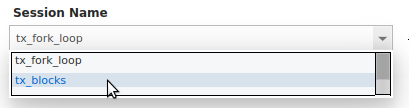
In the Session Name field, select the saved session from the dropdown list. The session window displays the saved settings.
-
Edit the session settings. If you change the Session Name, TotalView creates a new session.
-
Select Load Session to load the session with the updated settings.
To modify arguments and options in a session that is already loaded, see Modify arguments in an open session.