Debug a parallel program
TotalView supports the popular parallel execution models including MPI, OpenMP, SGI shared memory (shmem), Global Arrays, UPC, CAF, fork/exec, and pthreads.
MPI programs use a starter program such as mpirun to start your program. You can start these MPI programs in two ways:
-
With the starter program under TotalView control. In this case, enter the name of the starter program on the command line.
-
Using the UI, in which case the starter program is not under TotalView control.
Programs started using the UI have some limitations:
-
Program launch does not use the information you set for single-process and bulk server launching
-
You cannot use the Attach Subset command
To configure a new parallel program debugging session using the Session Editor:
-
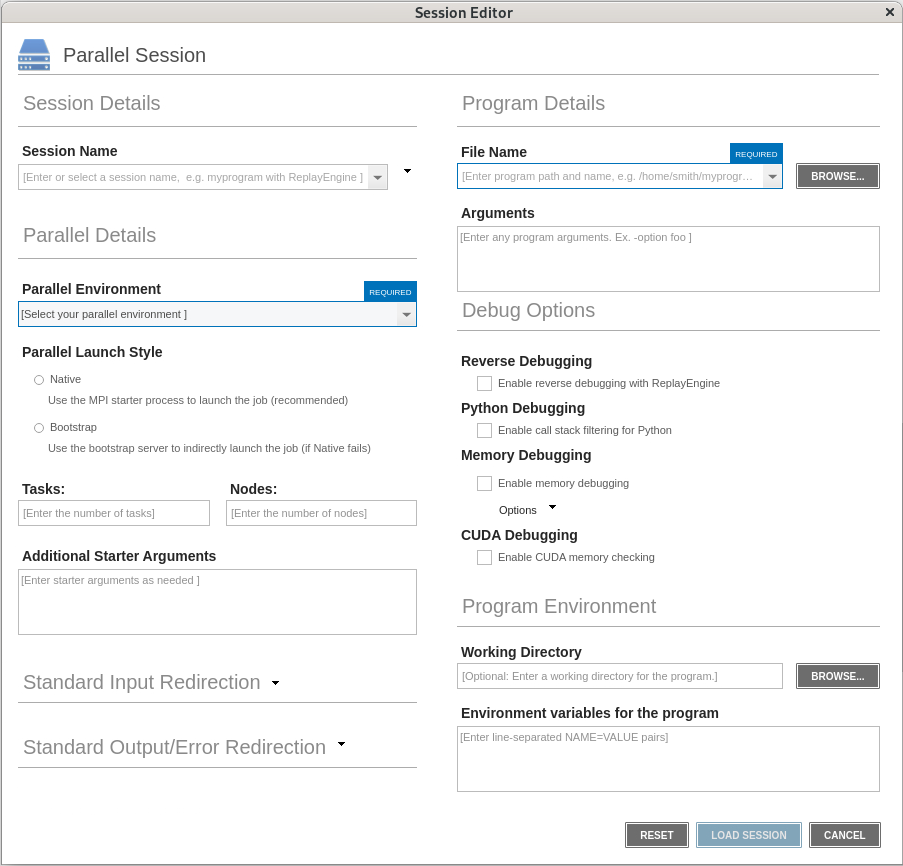
Open the Parallel Session window of the Session Editor using one of the following methods:
-
Select File > Debug a Parallel Program.
-
On the Start Page, select Debug a Parallel Program.
-
-
In the Session Details, Enter a session name in the Session Name field.
Any previously configured sessions of the same type are available in the Session Name dropdown list. If you select a previous session in the list, you can change any session properties and start your debug session. See Edit a previous session.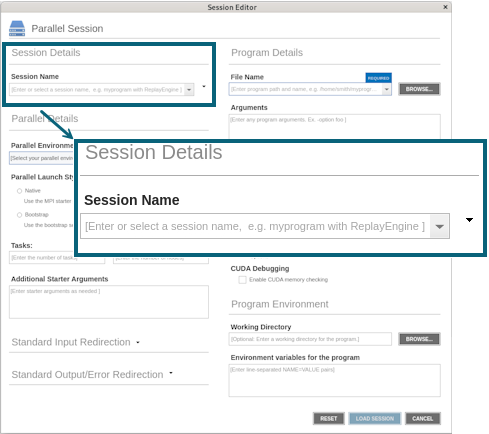
-
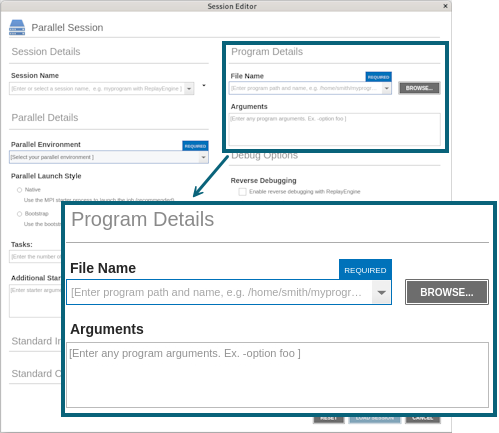
Configure the Program Details, as follows:
-
File Name: Enter the name of your program or click Browse to browse to and select the file. You can enter a full or relative path name. If you have previously entered programs here, they will appear in a dropdown list.
If you enter a file name and the UI cannot find it, it displays the path in red; however, TotalView searches for it in the list of directories listed in your PATH environment variable. See Search Path.
-
Arguments: Enter any arguments to be sent to your program. Because you are loading the program from within the UI, you need to enter the command-line arguments that the program requires.
-
-
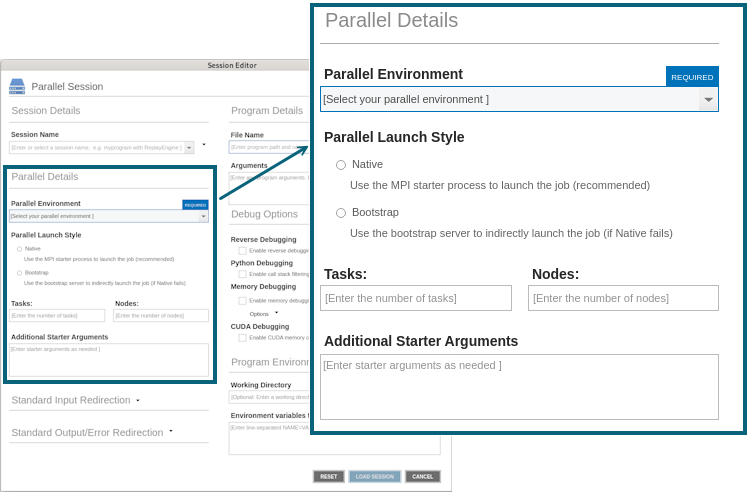
Configure the Parallel Details, as follows:
-
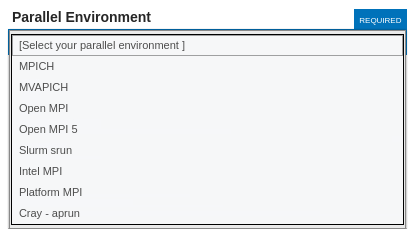
Parallel Environment: Select the parallel environment profile TotalView should use when starting your program. This profile can be one that TotalView provides, one created for your site, or one that you create. (For information, see MPI Startup Customizations.)
-
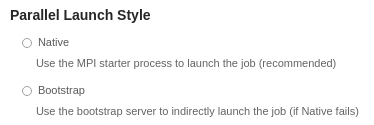
Parallel Launch Style: If the specified MPI supports MPIR debugging interface, TotalView selects Native by default. Otherwise, TotalView selects Bootstrap, which doesn't require MPIR debugging support but may have issues with very high scale jobs. You can also change the default selection from Native to Bootstrap if the former is not working as you expect.
- Tasks: Enter a number indicating how many tasks your program should create.
If your system has a default value and you want to use it, enter a value of 0 (zero).
If your system has no default value or you want to override the default, enter a value of 1 or greater.
- Nodes: (System-dependent) Enter a number indicating how many nodes your program should use when running. (Not all systems use this value, so this field may not be visible.)
-
Additional Starter Arguments: If your program’s execution requires that you use arguments to send information to the starter process such as mpirun or poe, enter them in this field. (In contrast, if you need to use arguments to send information to your program, enter those arguments in the Arguments field under Program Details.)
-
-
Configure the Debug Options. See Debug Options.
-
Configure the Program Environment: See Program Environment.
-
Configure the Standard Output/Error Redirection: See Standard Input and Output.
-
Configure the Standard Input Redirection: See Standard Input and Output.
-
Select the Load Session button to launch the debugger.
Errors in the parallel configuration will result in an error pop-up, such as the following.
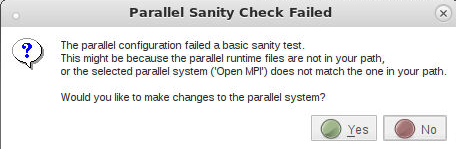
If you continue with the session, you may encounter additional errors and your session may not run correctly.
Once created, a session named my_foo can be quickly launched later using the -load command line option, as follows:
totalview -newui -load_session my_foo
|
Set up MPI debugging sessions for various environments and special use cases |
|
|
Set up non-MPI parallel debugging sessions for applications that use the parallel execution models that TotalView supports |
|
|
Create MPI startup profiles for environments that TotalView doesn't define |
|
|
Tips for debugging parallel applications |
Debugging Strategies for Parallel Applications in the Classic TotalView Help |