Loading Programs from the Session Editor
TotalView can debug programs on local and remote hosts, and programs accessed over networks and serial lines. Use the Session Editor to configure a new debugging session or to access a previous session. Access the Session Editor via either the Start Page or the File menu. The Start Page provides access to all types of debug sessions (Starting a Debugging Session), while the File menu enables you to choose a specific debugging session, such as loading local and remote programs, core files, and processes that are already running.
Figure 3. Choosing a Specific Debug Session from the File Menu
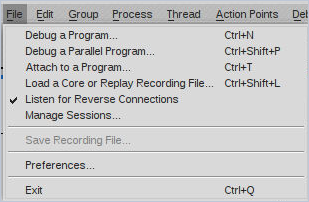
Figure 4. Opening the Sessions Editor from the Window Menu
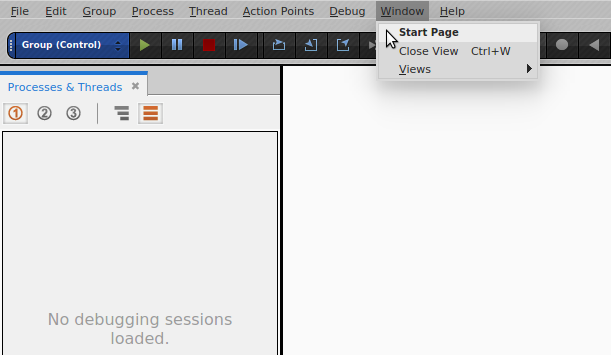
If you are just starting TotalView, the Start Page automatically opens.
In this section: